Setting up a Google Business Profile (GBP) is easy. You add your details, verify the listing, upload a few photos, and move on. Right?
Not quite. Many business owners never go back. Meanwhile, hours change, services expand, reviews pile up, and some details quietly go stale.
If that sounds like your profile, it may not be doing its job. Customers are reading information that no longer matches your business.
GBP optimization isn’t a task you finish once. It needs regular attention to stay accurate and useful in local search.
Why Does Your Profile Need Ongoing Attention?
For many people, your GBP is the first thing they see. Before they visit your website, they check your hours, scroll through photos, read reviews, or look for directions.
Outdated details send a clear message. Customers hesitate, call someone else, or just leave.
Google’s local ranking guidelines say complete and accurate business information can improve your chances of showing up in relevant local results. Google names relevance, distance, and prominence as its main local ranking factors. Accurate information supports the first of those.
Even as AI-powered search changes how people discover local businesses, an accurate and well-optimized Google Business Profile remains valuable for helping customers find reliable business information.
So, I suggest you think of your GBP management as a normal business activity, not a one-off checklist. Here are seven habits that help.
7 Tips to Keep Your Google Business Profile Optimized
1. Keep Your Business Information Accurate
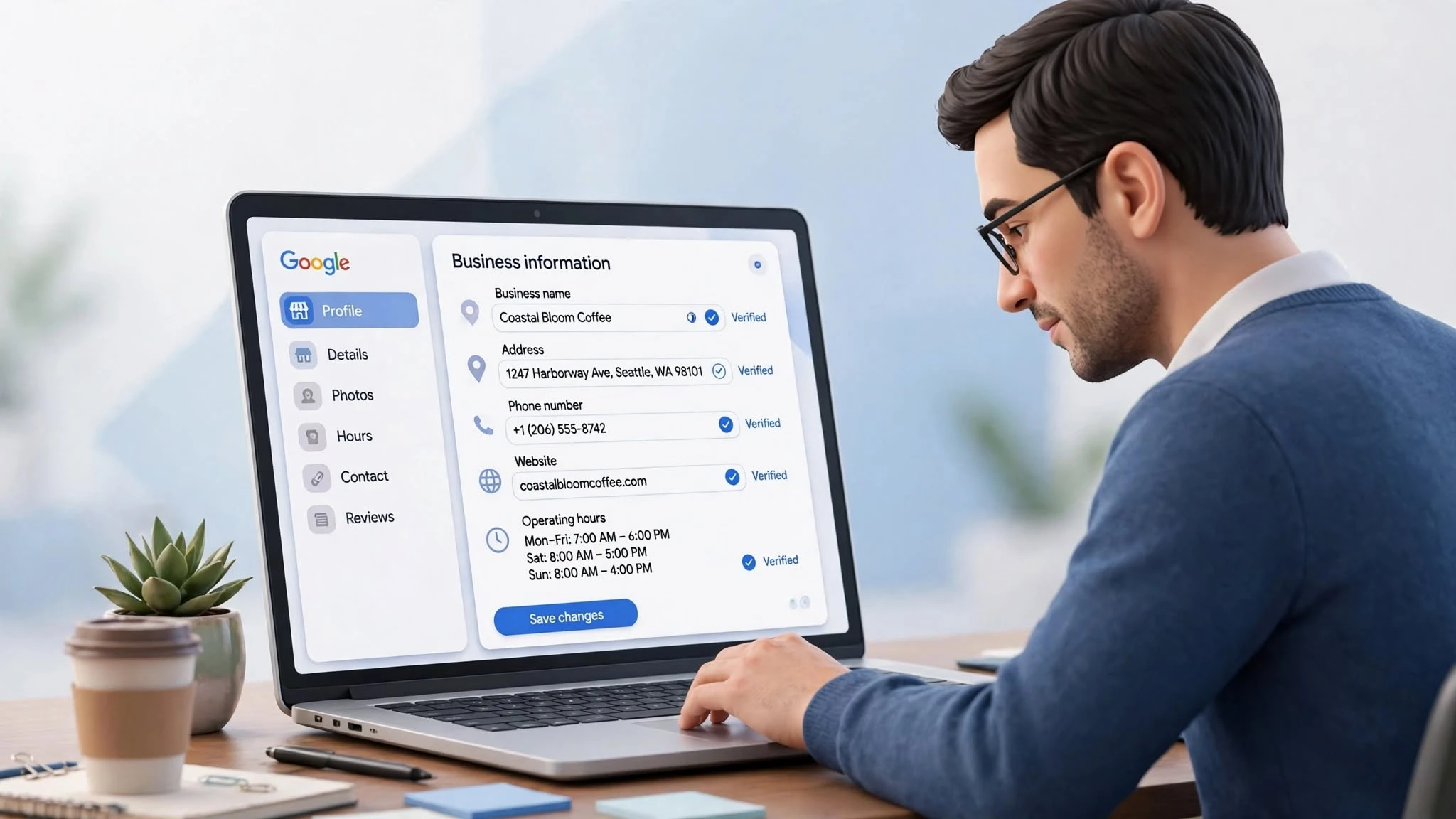
Start with the basics. They’re easy to overlook because they seem too obvious.
Check your business name, address, phone number, website, and hours on a regular schedule. Moved locations? Changed your number? Update the profile right away.
Don’t forget holiday hours. A closed sign that nobody updated can cost you a visit.
It also helps to compare your GBP details with your website. Mismatched information confuses customers who are trying to reach you.
2. Revisit Your Categories and Services
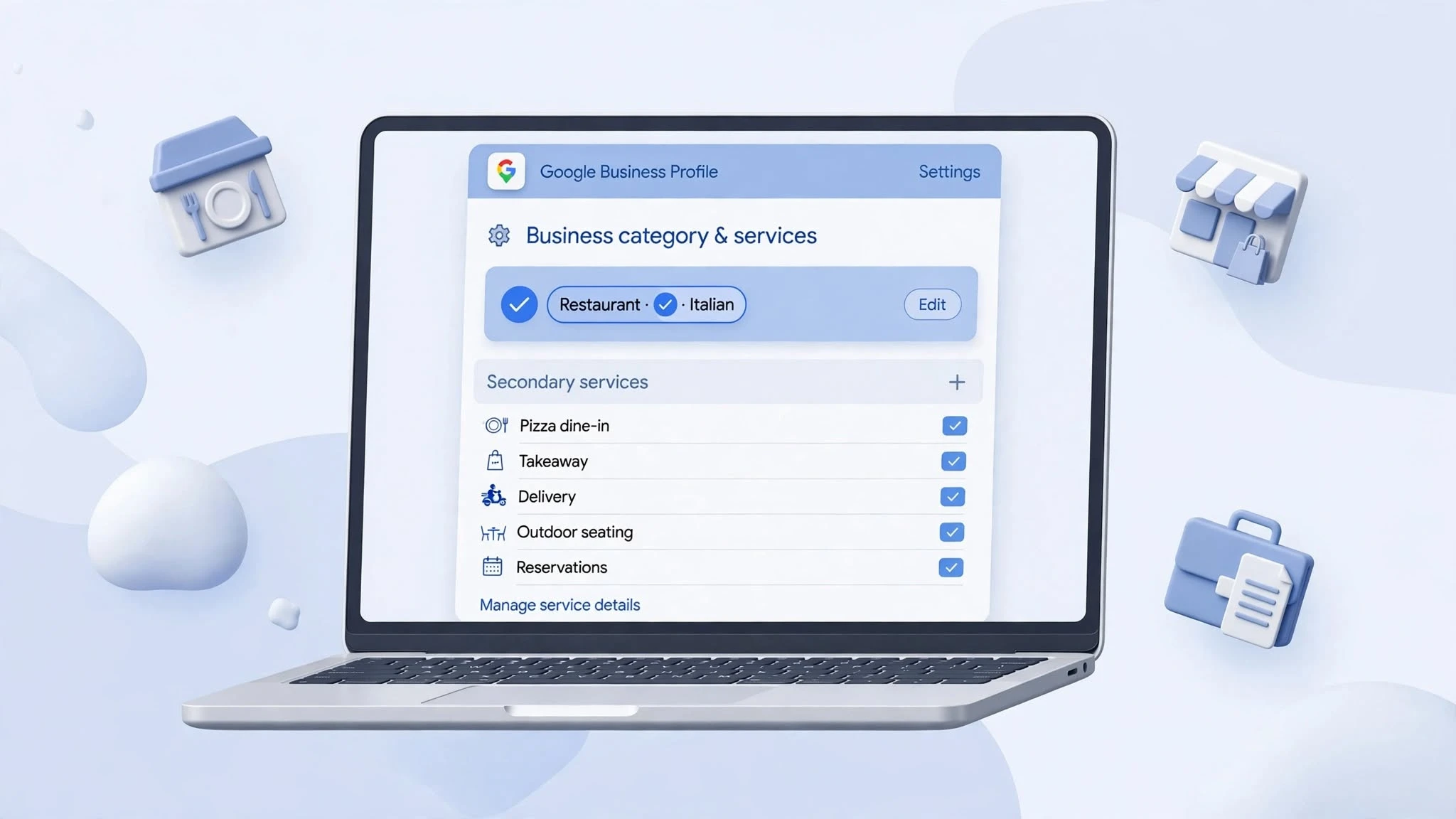
Your business probably isn’t the same one it was a year ago. You may have added services, dropped some, or shifted your focus.
Your profile should show that. Google’s category guidelines recommend picking the most specific primary category that describes your business.
Secondary categories deserve a look too. Just don’t add unrelated ones to chase extra searches. That rarely works in your favor.
If you offer something that isn’t listed, add it. People can’t book what they don’t know you provide.
3. Refresh Your Photos
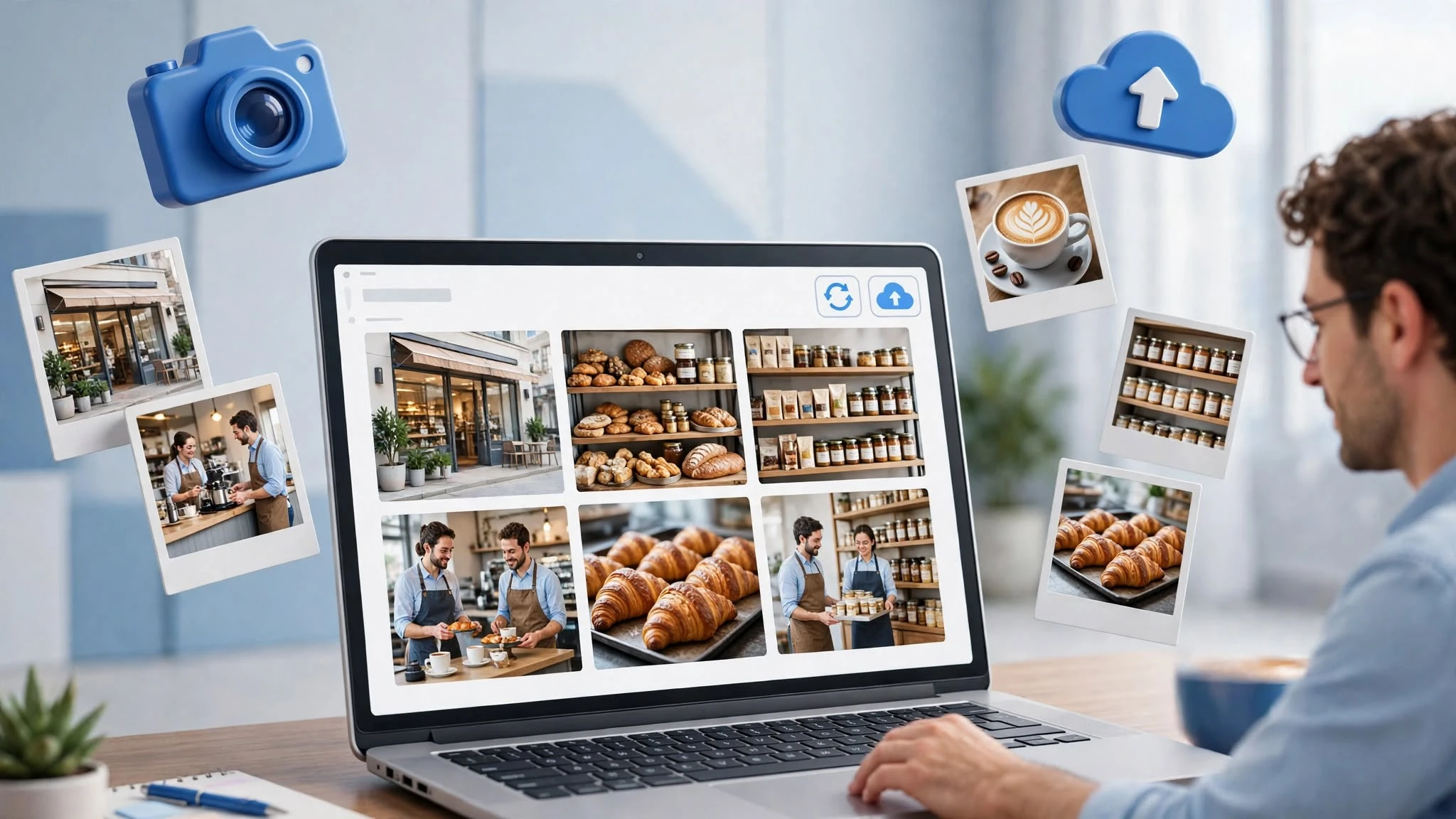
Would you trust a business whose newest photo is three years old? Probably not.
Old images leave customers guessing about what to expect, and they’re often comparing several businesses at once.
Upload recent shots of your storefront, team, products, or finished projects. If you’ve renovated or added something new, show it.
You don’t need a professional shoot every week. Clear, honest photos that give people a feel for your place do the job. Google also encourages photos and videos because they help customers understand what you offer.
4. Reply to Reviews Consistently
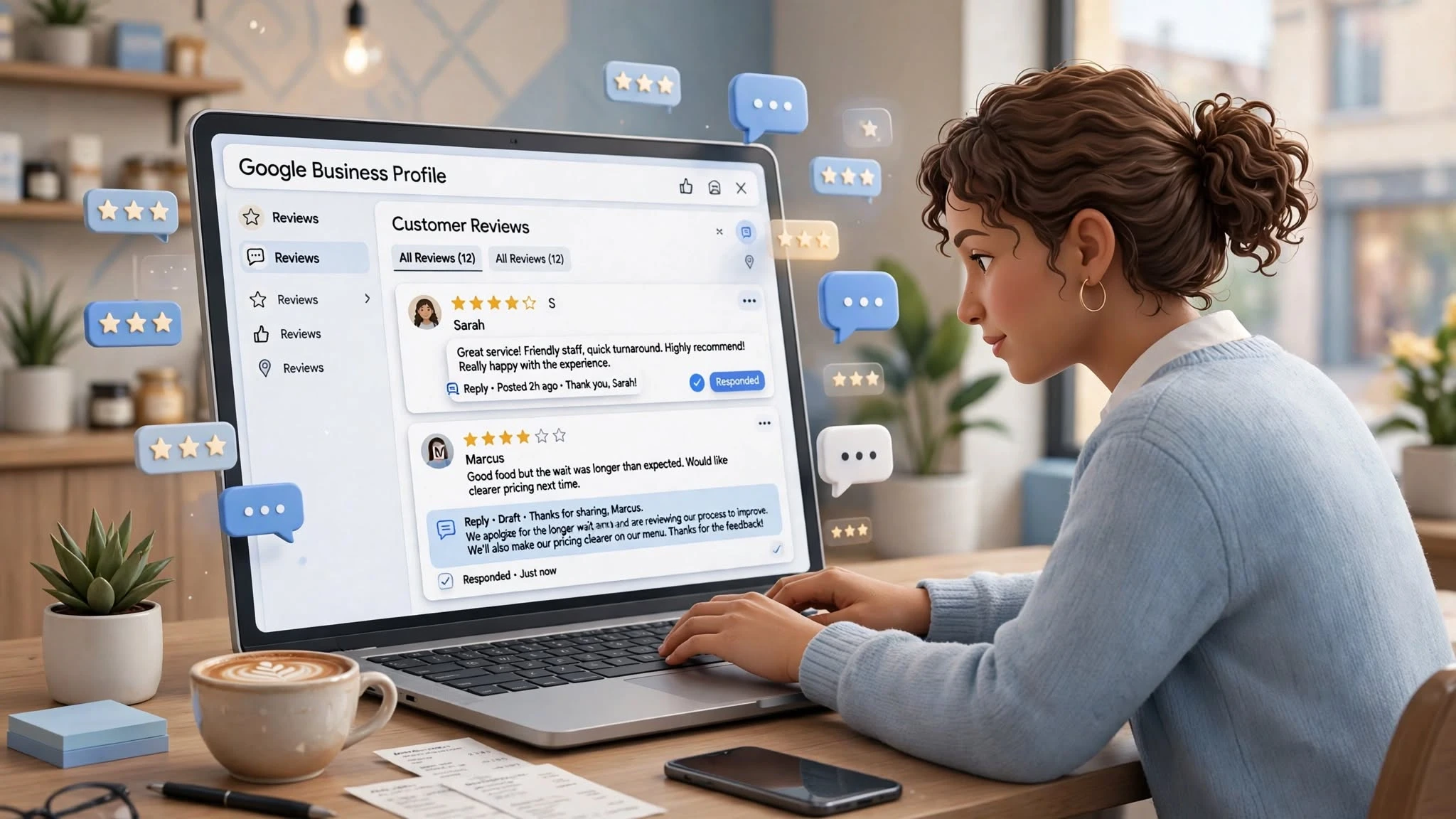
Reviews left unanswered for months look like nobody’s home.
Whether the review is five stars or one star, a reply shows you’re paying attention.
Keep your responses human. Thank happy customers properly, and handle complaints calmly without sharing private details.
Google’s review management guidelines explain how to respond and how to ask for feedback the right way. Check reviews at least once a week, and daily if you get a steady stream.
One rule matter more than the rest: never offer rewards in exchange for positive reviews.
5. Use GBP Posts Sparingly and Well

Running a seasonal offer? Launching something new? Posts are a direct way to tell people.
You can share updates, promotions, and event announcements. Google’s post guidelines describe these as a way for customers to learn what’s happening at your business.
For example, florists can share seasonal flower arrangements, holiday specials, and new collections through GBP posts as part of their broader digital marketing strategy for florists.
Keep posts short and useful. Don’t publish something just to look active. Post when you have something people actually want to know.
6. Track Performance Instead of Guessing

Views are nice, but are people doing anything with them?
GBP’s performance insights show how customers find your listing and what they do next. You can see searches, views, call clicks, website clicks, and direction requests.
Google documents what each metric means in its Business Profile performance guide.
Check these numbers monthly. If views are climbing but actions stay flat, look hard at your photos, reviews, and contact options.
One caveat: a call-button click doesn’t mean the call happened. Treat it as interest, not a sale.
7. Run a Monthly Audit
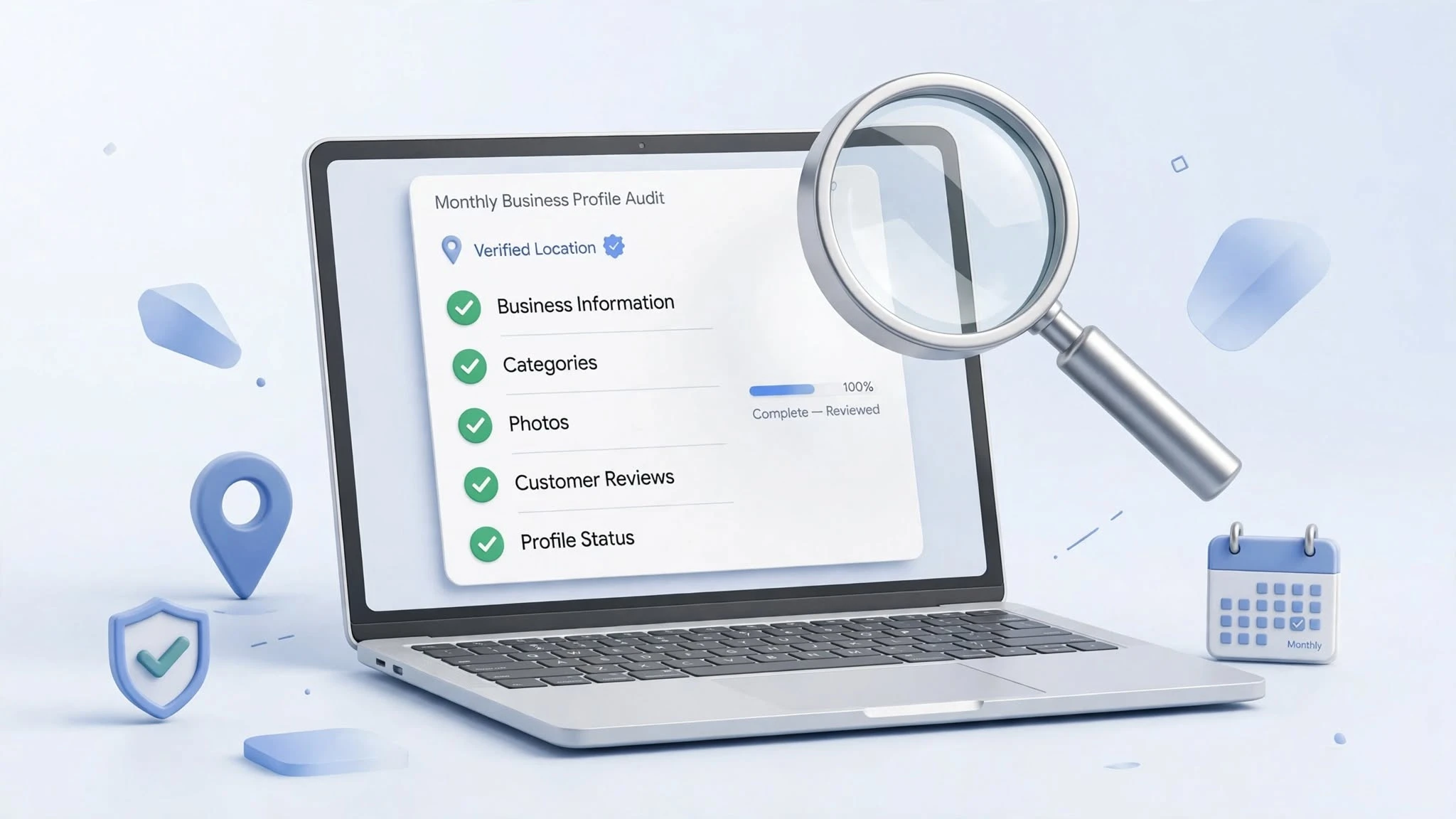
Even a well-kept profile can drift. Details change without warning, old information sticks around, and duplicate listings pop up.
That’s why running a quick audit every month. Look at your business info, categories, services, photos, reviews, and overall profile status. Check whether Google has suggested any edits you haven’t reviewed.
If you manage several locations, audits matter even more. Keeping every listing consistent takes extra coordination, and it’s easy to let one slip.
Fifteen minutes now can save you a much bigger cleanup later.
Your GBP Needs Attention Beyond the Initial Setup
Creating a GBP is only the start. Keeping it accurate and useful takes steady effort, but it doesn’t have to take much time.
You don’t need to touch it every day. Pick a routine you can stick with, answer customers, check your numbers, and update details whenever something changes.
At SubmitInMe, we know GBP work can slide to the bottom of a busy to-do list. Our Google Business Profile optimization and management services can keep your listing current and support your wider local SEO.