Google is testing a new platform called Google Business Home to help businesses manage their Google presence from one place. The platform brings together such as Google Business Profile, Google Ads, YouTube, and Google Merchant Center.
According to Google's official documentation, Business Home is currently in a closed beta for selected business categories in the United States and the United Kingdom. It is not yet available to every business.
What Is Google Business Home?
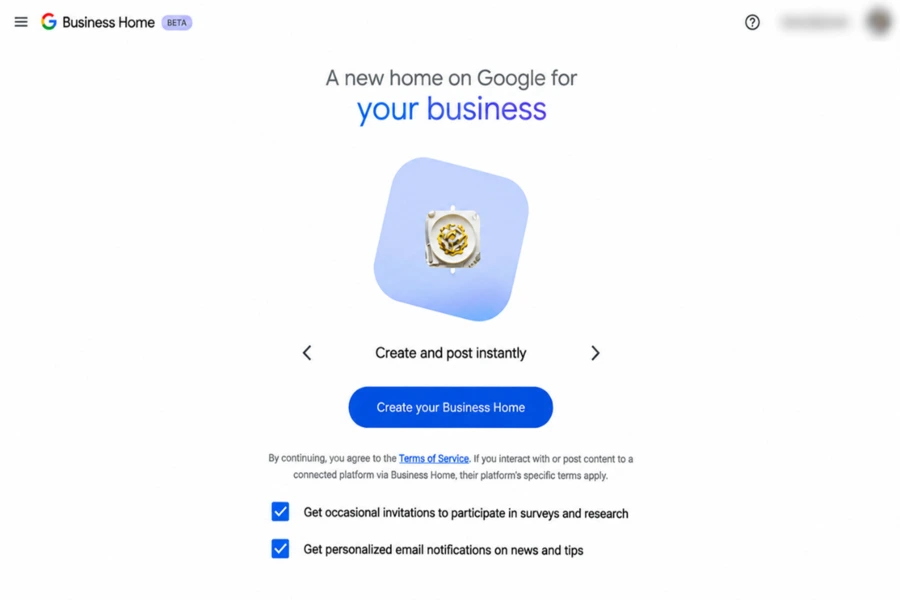
Google Business Home is a dashboard that links business tools together and gives insights to help businesses manage their online presence. Google says it is built with Gemini models.
Then using separate tools businesses that qualify can use one dashboard to access supported features. Which features are available depends on the business, its region and the accounts it connects.
What Can Businesses Do with Google Business Home?
Google Business Home is made to make common business management tasks easier.
1. Manage Business Profiles
Businesses can look at their connected locations. Manage key details such as hours, addresses, phone numbers and websites. Depending on the business category there may be options for services, menus and products.
2. Manage Photos and Customer Reviews
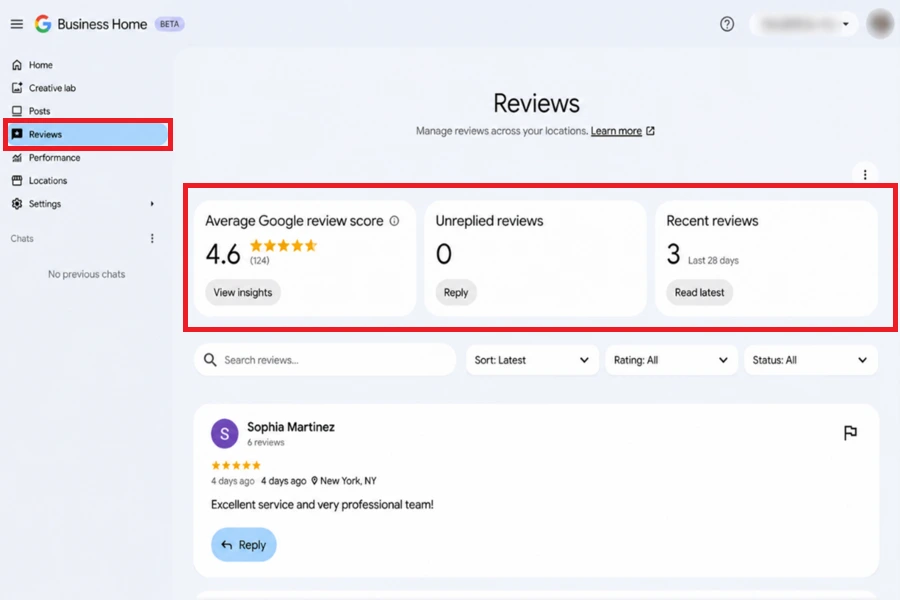
Businesses can manage photos and videos that belong to their locations. Businesses can also read customer reviews. Respond to feedback using the tools that're available.
These features can help businesses update their profile information and stay connected with customers.
3. Access Connected Google Tools
Google Business Home brings together Google Business Profile, Google Ads, YouTube and Merchant Centre. This lets eligible businesses reach a place to access the tools and view data from their connected accounts.
The available options depend on which accounts are connected and what features Google has enabled for the business.
4. Access Business Performance
Google Business Home includes a Performance section where businesses can view insights from their connected Google services.
Depending on the connected accounts, businesses may see Business Profile views, customer searches, calls, website clicks, advertising performance and product activity.
These insights help businesses understand how customers find and interact with them across Google platforms. The available reports depend on the connected accounts and beta features.
How To Connect the Google Business Home
- Visit Google Business Home
- Sign in using the Google account associated with the business.
- Open Settings on the side panel.
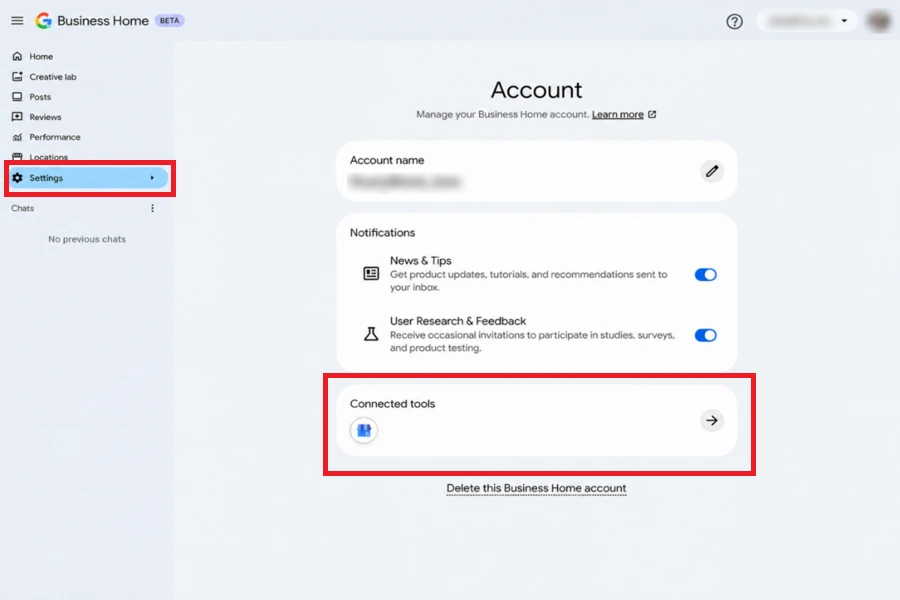
- Select Connected Tools.
- Review the available Google services, such as Google Business Profile, Google Ads, YouTube and Google Merchant Center.
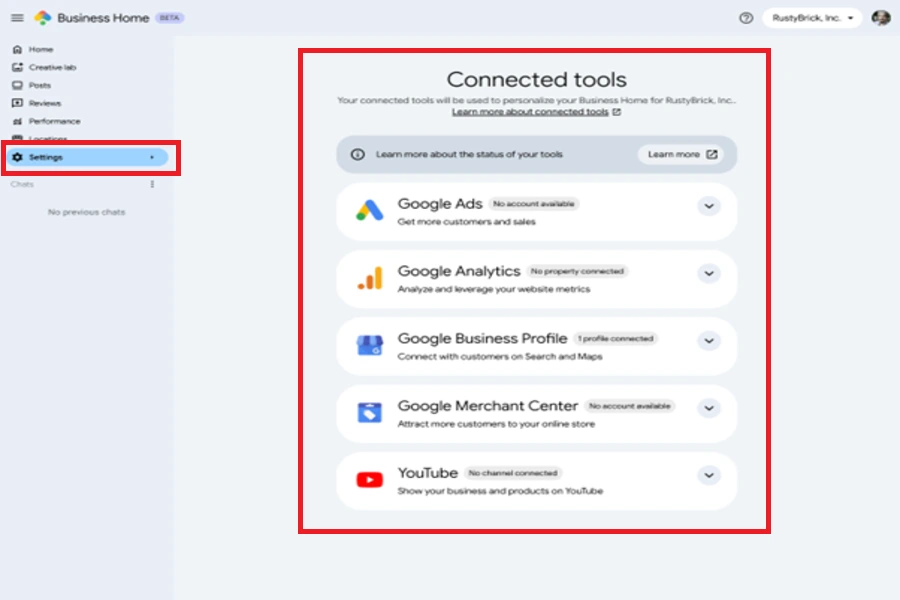
- Select the Google service you want to connect
- Follow the on-screen instructions to find and connect the desired profile.
- Review and confirm the connection request.
Who Can Access Google Business Home?
Google’s official Help Centre says that Google Business Home is a beta that is only available to certain business categories in the United States and the United Kingdom.
This means that having a verified Google Business Profile does not guarantee access. Availability depends on Google’s beta eligibility rules.
Why Is Google Business Home Important for Local SEO?
For businesses and agencies that work on SEO having a single dashboard can make everyday management simpler. Teams can stay organized with one place for profile details, customer reviews, photos and performance insights.
However, Google Business Home will not automatically boost your search rankings. They need to keep looking at the details, relevant business categories, customer reviews, useful pictures and a website that clearly outlines their services.
Agencies that manage client accounts should also verify account ownership and permissions before connecting tools.
Looking to improve your business's online visibility and stay ahead of changing digital trends? Connect with our team on WhatsApp to discuss how we can support your business growth
Chat on WhatsApp +91 94423 64284